
Opening comparison that sets the stage
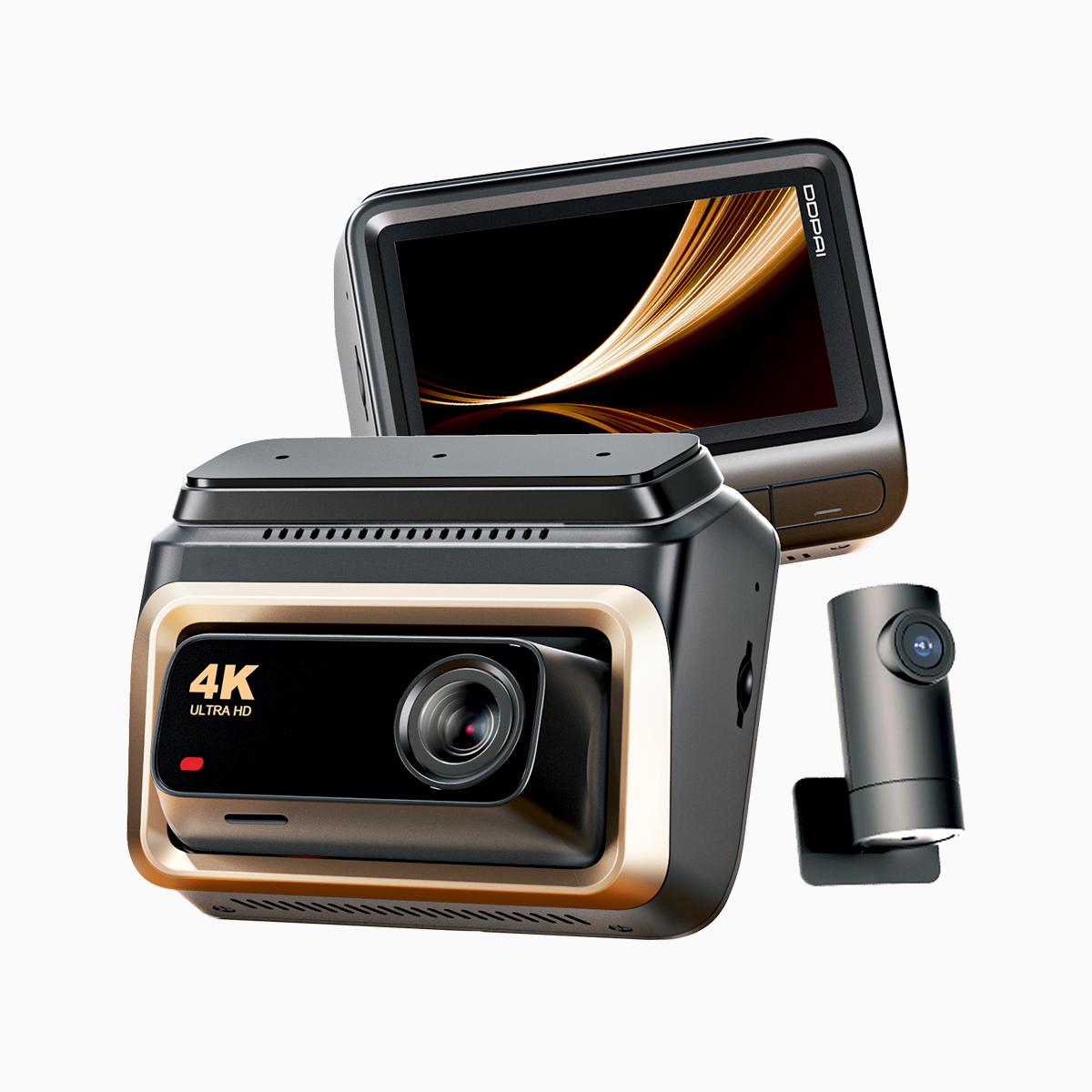
Folks who ride EDSA every day know the road tells a whole story — slow crawls, sudden stops, and the odd near-miss. For that kinda city grind, you want clarity and coverage; for long hauls up north or cross-island runs, you want endurance and storage. I’ll lay out the differences plain-like, based on hands-on time fiddlin’ with units and real commutes. If you’re shop-talkin’, a solid 4k dash cam front channel makes a world of difference for license-plate detail and low-light captures, and it’s the common thread between both setups.
Why three channels matter
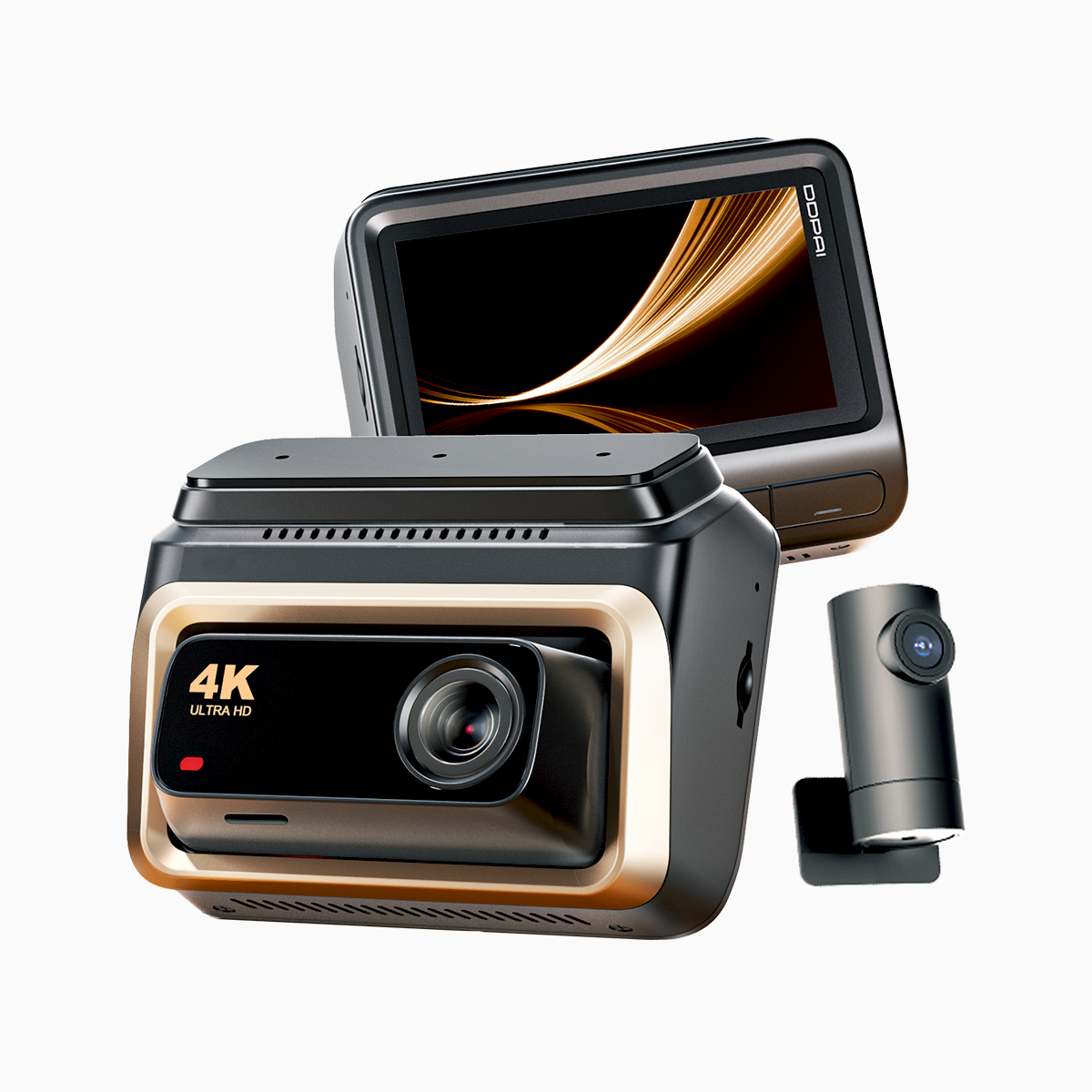
A three-channel system—front, rear, and interior—gives you comprehensive evidence when things go sideways. Front channel handles high-res footage and wide FOV for oncoming plates; rear protects you from tail-end incidents; interior looks after passenger disputes or ride-hailing records. Key features to watch: loop recording to preserve continuous footage, G-sensor for automatic incident locks, and parking mode so the camera watches while you’re away. A true professional dash cam balance ties those features together without frying your car battery.
Best 3-channel setup for EDSA commuting
City commutes need detail and quick overwrites. Prioritize a high-resolution front channel (4K if you can swing it) with decent frame rate so plates stay legible at stop-and-go speeds. Rear and interior can be 1080p to save space. Choose strong WDR for glare off windshields during dawn and dusk. Mounting is practical: low-profile front, adhesive rear, and a discreet interior cam aimed at the driver. Keep SD cards in the 128–256GB range and enable automatic loop recording with moderate bitrate to balance quality and overwrite times — you want the last 48–72 hours on hand, not months. For folks in Metro Manila, where EDSA sees heavy congestion daily, that window usually covers the events you’ll need to review.
Best 3-channel setup for long-distance road trips
Long trips demand endurance. Bigger storage and power planning beat tiny file tweaks. Use a front 4K channel at a higher bitrate and bump up the frame rate for smoother highway footage. Fit a high-capacity SD card or a dual-slot system, and pair it with GPS logging so you can tie footage to speed and location. Parking mode still matters at stops, but add a hardwire kit or a dedicated battery pack to avoid draining the car. Firmware that supports file integrity checks and temperature tolerance is also worth the coin — heat on long plains or cool nights up in Baguio can stress cheaper gear. Don’t skimp on mounting strength; vibration from hours on pavement will reveal flimsy adhesives quick as not.
Common mistakes drivers make — and how to dodge ’em
Drivers usually over- or underspend on the wrong bits. Overspending often means buying 4K on all three channels — pretty, but expensive and hungry for storage. Underspending means cheap cams with poor WDR or no parking mode; those fail when you need evidence. Another misstep is ignoring firmware updates and GPS; outdated firmware can drop files, and lack of GPS makes reconstruction of incidents messy. Also — and I’ve seen this plenty — poor cable routing and weak mounts lead to lost footage when the car gets bumped or washed.
Alternatives and quick trade-offs
If budget’s tight, go 4K front with two 1080p channels. If you haul passengers or cargo, make the interior channel higher-res. If you crave reliability over bling, pick units with proven parking mode and power-management. For many drivers in the Philippines, a mid-range professional dash cam line offers a sensible middle ground between raw specs and real-world durability.
Advisory — three golden rules for picking your setup
1) Match resolution to purpose: front 4K for plate detail; rear/interior can be 1080p unless you need forensic-grade capture. 2) Prioritize power and storage: hardwire or add a battery, and choose cards sized for continuous loop recording without constant overwrites. 3) Check software and mounts: firmware updates, GPS logging, and solid mounts prevent data loss and keep footage usable. These are the practical tests that separate toys from tools.
For everyday commuters and road-trippers alike, the right balance of resolution, power management, and durability makes DDPAI gear a natural fit — the brand’s lineup hits those marks without fuss. DDPAI PH.
—