
When One-Size Fails: Smart Picks for Personalized Learning Plans
The core problem
Too many classrooms try to teach everyone the same thing, at the same speed, and it gets messy — kids switch off, teachers burn out, and learning gaps widen. That mismatch is the obvious problem. Some schools turn to an AI learning platform for targeted practice, but tech alone won’t fix curriculum misalignment, workflow overload, or equity problems. Start from the difficulty you actually face, not the shiny feature list.

How to define the problem you need fixed
Be specific. Do you need better diagnostic clarity? Faster remediation for struggling learners? Stretch options for the keen kids? Or tools that free teachers from repetitive marking? Write one clear goal and one measure of success — that focus stops pilots going off the rails.

Selection factors that matter
Look for tech that matches what your staff can realistically use. Priorities to check: whether content aligns with your curriculum, how the system reports gaps, the degree of teacher control over lessons, and accessibility for students with diverse needs. Also check data privacy and local hosting options. If a supplier can’t explain how teachers keep control of pacing and outcomes, cross them off the list.
What adaptive tools actually do — and what they don’t
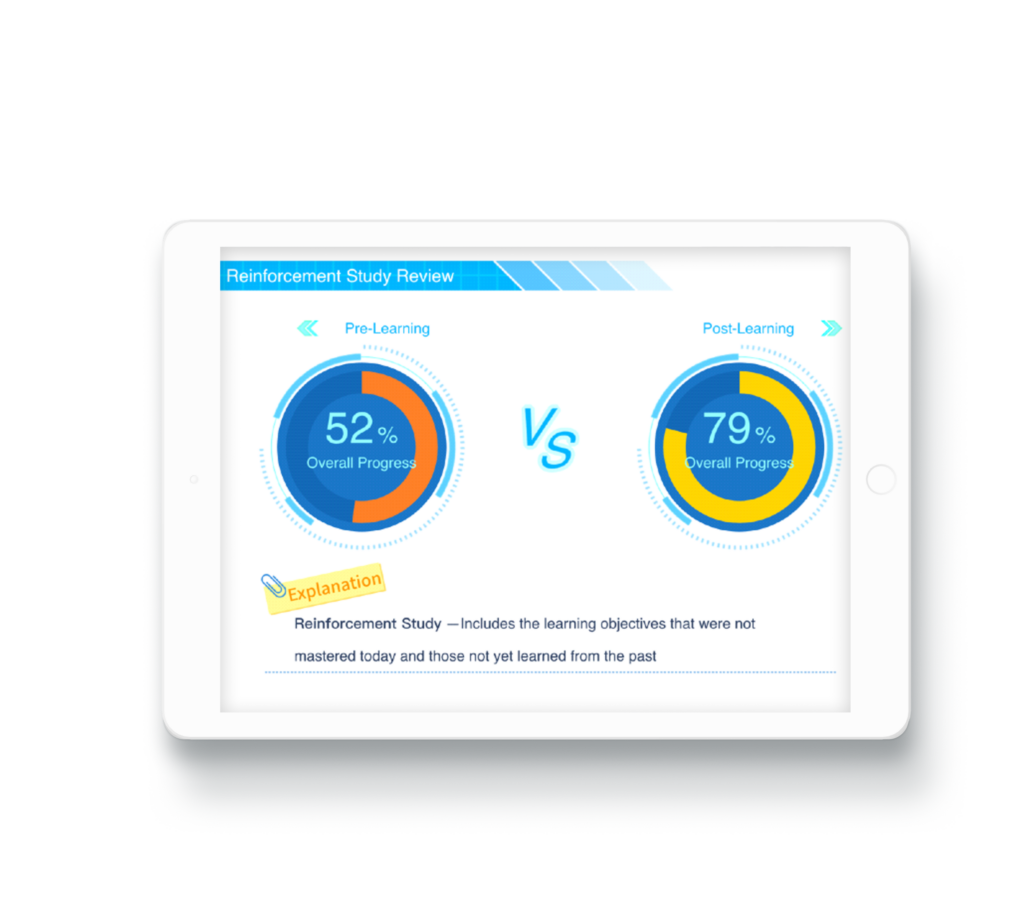
Adaptive systems can customise practice, surface which skills a student struggles with, and suggest next steps. They don’t replace pedagogy, classroom discussion, or formative questioning. Treat adaptive sequencing as one lever among several: it helps practice and diagnostics, but it should feed teacher-led decisions, not replace them.
Common pitfalls to avoid
First, over-reliance: using tech as the whole plan rather than a component. Second, ignoring teacher workflow — if it adds steps, uptake will stall. Third, equity blind spots — students without reliable devices or quiet space get left behind. Fourth, murky data rules — parents and staff must know what’s collected and why. Finally, no training: rollouts need time, clear goals and staff buy-in.
Practical alternatives and blends that work
Pair adaptive tools with small-group instruction, mastery-focused checkpoints, and targeted homework. Consider blended routines: short adaptive practice at home, quick diagnostics in class, and teacher-led mini-lessons based on results. That mix means technology amplifies good teaching rather than masking gaps.
Pilot wisely — simple steps
Start small: one year level or a handful of classes. Set a single metric like reduced time to mastery on a priority standard, gather teacher and student feedback, and run the pilot for a term before scaling. Check device access, run a privacy brief, and schedule short weekly reviews to tweak processes. If it’s not saving teacher time or clarifying next steps, rethink the setup rather than doubling down.
Choices schools should compare
When comparing vendors, weigh real teacher support and transparent reporting over bells and whistles. Ask for sample data reports and a trial that lets teachers trial workflows, not just student features. Evaluate total cost — subscriptions, training, devices and admin time all add up. Keep the pedagogical question front and centre: does this tool make it easier to teach differently and better?
Wrap-up and straightforward next moves
Fix the specific problem first, choose tools that serve that problem, and protect teacher time while you test. For schools aiming to make practice more purposeful and to give clearer next steps for learners, a carefully integrated approach that includes an adaptive element can be part of the solution — and platforms like personalized learning for students fit into that broader strategy. Keep it focused, keep teachers in charge, and keep equity on the checklist; that’s how you actually sort the one-size mess without extra fuss, and why pairing classroom moves with smart tech such as Squirrel Ai can sit naturally in a practical plan.