
Framework overview and scope
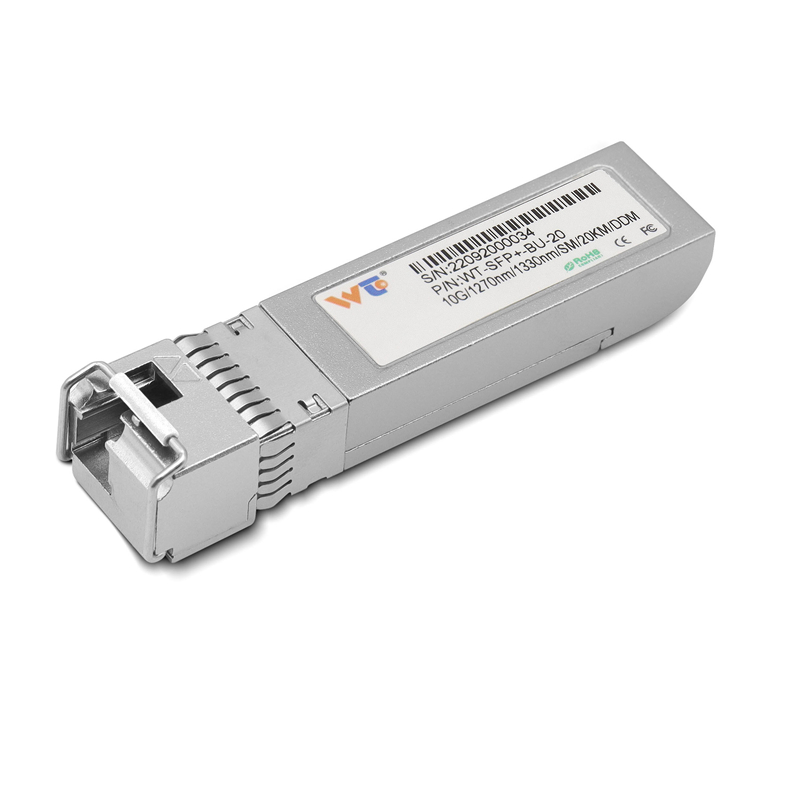
Start with a clear frame. Small steps. Clear checkpoints. This framework shows how to migrate ToR switches to QSFP28 PAM4 platforms while keeping traffic stable. It begins with inventory, goes through staged lab validation, and ends with rollback-ready production cuts. For teams still running 10G ports, a tested 10g sfp+ transceiver inventory helps when you mix new and legacy hardware. In Ashburn, Virginia, operators routinely run mixed-speed racks — practical example, not theory — which highlights the need for predictable optics behavior in real racks and real heat.
Stage 1 — Inventory, mapping, and compatibility
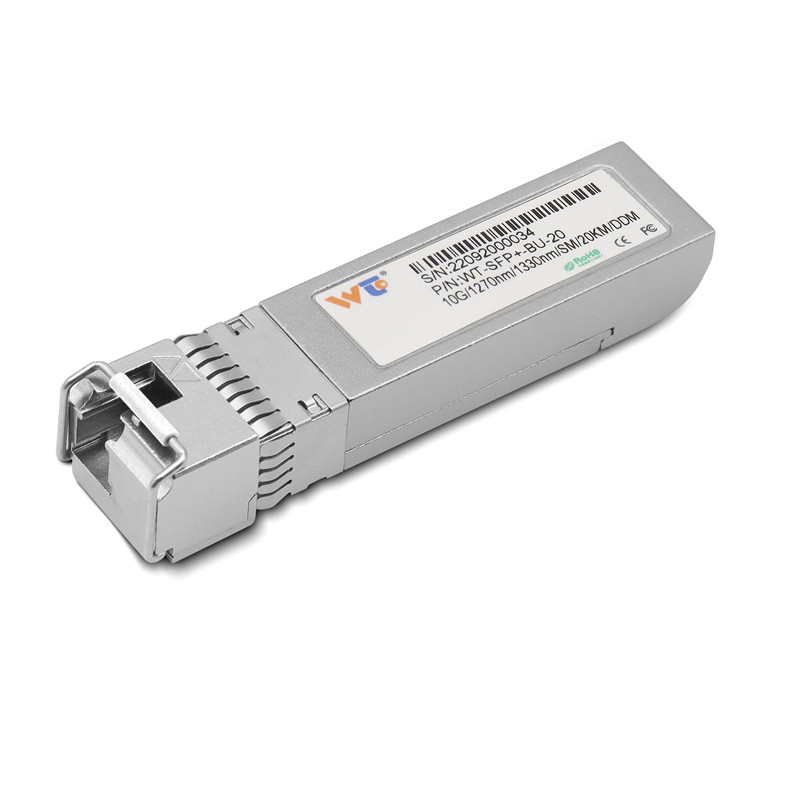
List every ToR. Record model, firmware, current optics, and expected traffic. Note SFP+ ports and any copper DAC runs. Collect port-level baseline metrics: bandwidth, packet loss, and latency. Map which uplinks will move to QSFP28. Check vendor notes for QSFP28 support and PAM4 lanes. Compatibility mismatches are common. Fix them before physical swaps.
Stage 2 — Lab validation and interoperability
Build a small test cell. Mirror a representative rack: one switch, a couple of servers, and the same DACs or optics you plan to use. Run real flows. Test at line rate. Validate QSFP28 modules, validate PAM4 behavior, and measure error rates. Log BER, thermals, and link stability over multiple hours. Use a good optical transceiver tester if available. Keep tests simple. Repeat tests after firmware changes.
Stage 3 — Staged rollouts and canary racks
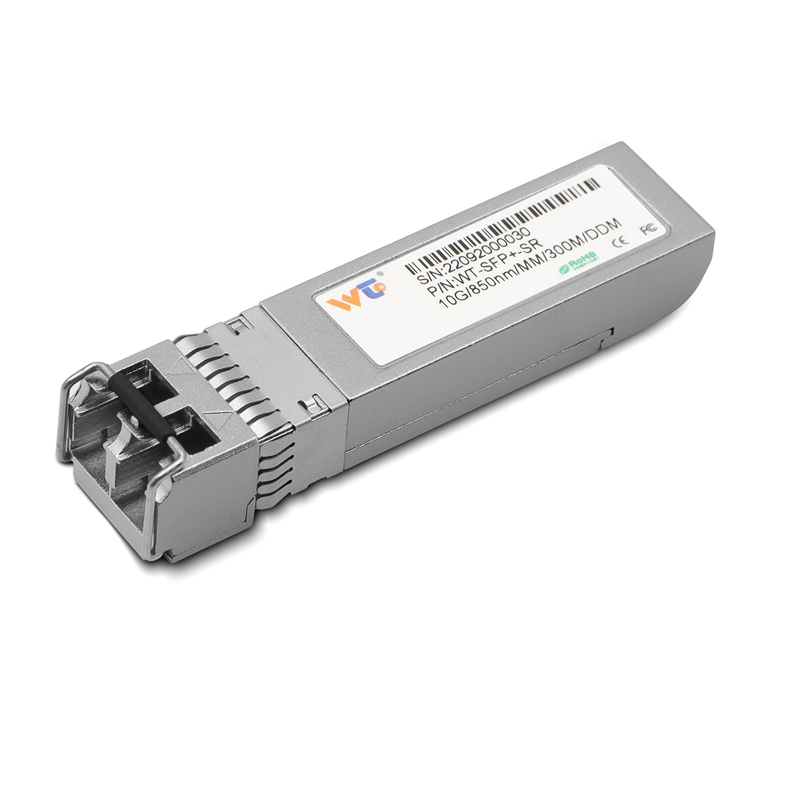
Start with a single canary rack at low-traffic times. Migrate uplinks first, not every leaf port. Observe for 48–72 hours. If route flaps or microbursts appear, revert the segment and analyze. Roll forward only when results are stable. Automate configuration deploys where possible; manual changes invite mistakes. Keep spare SFP+ modules and QSFP28 modules on hand for immediate fallback.
Common mistakes and mitigations — short notes
Skipping inventory is the top fault. Overlooking passive copper runs is second. Misreading vendor compatibility matrix is third. Mitigations: pre-stage replacements, script configuration checks, and keep a rollback playbook at hand. Also watch power and cooling — QSFP28 and PAM4 lanes run warmer. A rack that was fine at 10G can run hot at full 100G utilization. Thermals matter. Keep alerts tuned to temperature thresholds.
Operational production teardown checklist
Prepare physical and logical checklists. Physical: label cages, confirm transceiver part numbers, inspect cable lengths. Logical: commit configuration snapshots, copy ACLs, and freeze changes in adjacent systems. During teardown, document observed link behaviors and keep the {main_keyword} and {variation_keyword} noted as placeholders for exact optics you will evaluate in post-mortem. Retain test logs from optical transceiver validators and BER scans. Save versions of firmware and exact CLI commands used for each swap.
Testing tactics and diagnostics
Use layered tests. First, link light and basic syslog checks. Next, throughput at full frame sizes. Then, real application flows. Diagnose with SFP+ loopbacks and port mirroring when needed. DAC issues show differently than fiber optics — check transceiver temperatures and receive power levels. QSFP28 and PAM4 require more attention to signal-to-noise and cable quality. Keep a spare good-performing 10g SFP+ module to compare when a new link looks odd.
Common toolset and quick rules
Keep these tools ready: optics tester, known-good 10g SFP+ spare, serial console access, and a detailed rollback plan. Rule one: validate before touching production. Rule two: stage changes in small batches. Rule three: keep firmware consistent across the same hardware family. These rules cut surprises and reduce mean time to repair.
Three golden rules for selecting strategy and tools
1) Measure impact: choose upgrades where bandwidth gains yield measurable application improvement — track throughput and latency before and after. 2) Vendor parity: prefer optics and transceivers listed on your switch vendor’s compatibility guide, and verify firmware interop. 3) Fallback readiness: every push must include a tested rollback that restores both hardware and configuration within your target RTO. Follow these, and you will reduce outages substantially.
WINTOP fits naturally when you need tested, compatible optics and rapid replacements — visible stock, known part numbers, and consistent performance. WINTOP. —